
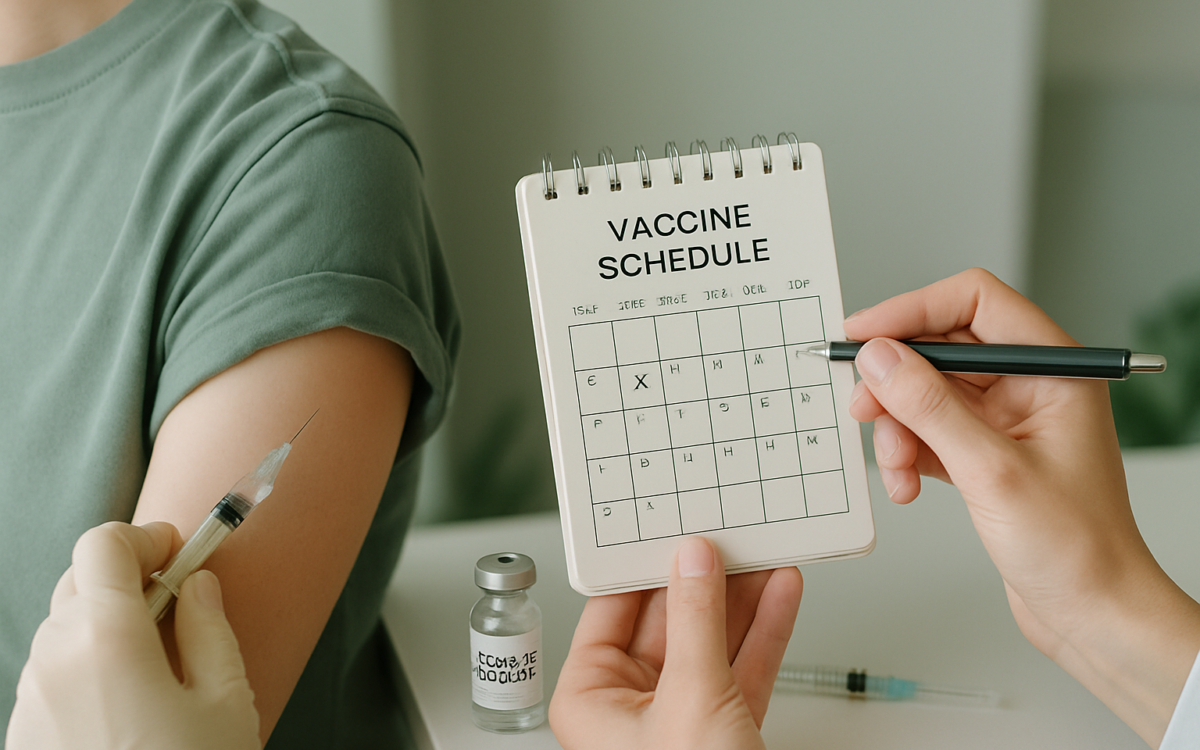
In an ever-evolving world of health and wellness, keeping track of vaccinations can sometimes feel overwhelming. Whether you are a parent trying to ensure your child receives their shots on time or an adult seeking to maintain your immunity, a vaccine scheduler can be a game-changer. By organizing this essential health task, you can help protect yourself and those around you from preventable diseases.
What is a Vaccine Scheduler?
A vaccine scheduler is a system that helps individuals and families keep track of vaccinations. This can be a physical calendar, a digital app, or even a spreadsheet—whatever works best for you. The primary goal of a vaccine scheduler is to make sure no vaccines are missed, ensuring that everyone stays on track for optimal health.
Why Vaccinations Matter
Vaccinations are critical in preventing the spread of infectious diseases. When a significant portion of a population is vaccinated, it creates herd immunity, protecting those who cannot be vaccinated due to allergies or certain medical conditions. The Centers for Disease Control and Prevention (CDC) highlights the importance of vaccinations in averting outbreaks of diseases like measles, mumps, and influenza.
How to Create Your Vaccine Scheduler
Creating a vaccine scheduler can be straightforward. Here are the steps to get you started:
- Gather Information: Before you even start, collect vaccination records and schedules from your healthcare provider. Many community health organizations provide free resources as well.
- Choose a Format: Decide how you want to track your vaccines. You can use a physical planner, a calendar app on your phone, or dedicated health tracking apps.
- List Required Vaccines: Based on your age, occupation, and lifestyle, list the vaccines you or your family members need. Regular updates about vaccination guidelines can be found on the World Health Organization (WHO) website.
- Set Reminders: Use alarms or calendar notifications to remind yourself when vaccines are due. Consistent reminders can significantly reduce the chances of missing appointments.
- Keep Records: After each vaccination, note down the date, type of vaccine, and any other relevant details. This ensures you have accurate information when needed.
Using Technology to Enhance Your Scheduler
Technology can be a powerful ally in your vaccination tracking efforts. Numerous apps are designed specifically for this purpose, offering features like:
- Push Notifications: Get timely reminders for upcoming vaccinations.
- Record Keeping: Store your immunization history securely and access it anytime.
- Educational Resources: Some apps provide tips about vaccine safety and what to expect after receiving each shot.
Before downloading an app, look into its ratings and reviews to ensure it is trustworthy. You can also check references from reputable sources such as the Mayo Clinic.
Collaborating with Healthcare Providers
Your healthcare provider plays a critical role in your vaccination journey. Regular check-ins and communication are essential in ensuring you and your family stay on track. Here’s how you can work together:
- Regular Appointments: Schedule yearly health check-ups to discuss your vaccination needs. Make sure to ask about any new vaccine recommendations.
- Ask Questions: Don’t hesitate to inquire about vaccines that may be recommended based on your health history or travel plans.
- Provide Updates: Always inform your healthcare provider of any vaccines you or your family members have received elsewhere so that your records stay current.
Overcoming Common Barriers
While using a vaccine scheduler can vastly improve vaccination rates, barriers can still occur. Here are some common challenges and how to overcome them:
- Lack of Access: If transportation or financial constraints make it difficult to receive vaccinations, local health departments or community clinics often offer low-cost or free options.
- Information Overload: With so much information available, it can be challenging to know which vaccines are necessary. Stick to a trusted source like the CDC for guidance and avoid the pitfalls of misinformation.
- Forgetfulness: Life can get busy! Utilizing digital calendars or dedicated health apps can help you stay organized and committed to vaccination schedules.
When to See a Doctor
If you have questions or concerns about vaccines, it’s important to consult a healthcare professional. You should seek medical advice if you or your child experience an adverse reaction after a vaccination, or if you’re uncertain about vaccine recommendations based on health conditions or medications.
In the age of misinformation, keeping our vaccinations up to date is more crucial than ever. With a well-organized vaccine scheduler, you can take control of your health and ensure you and your family remain protected against preventable diseases. By staying proactive, connected, and informed, you can navigate the world of vaccinations with greater confidence and ease.
